RestClient.Net on WebAssembly (C#)
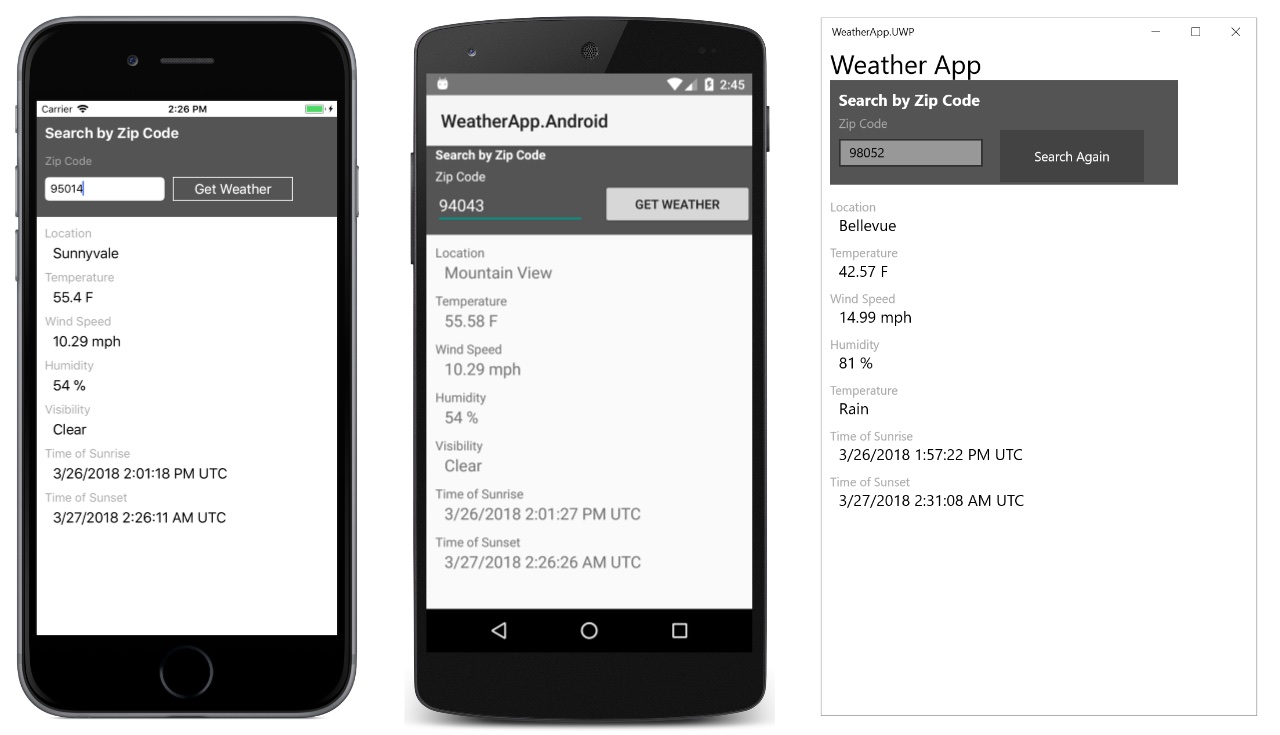
RestClient.Net is a simple wrapper for HttpClient. It adds strong typing to REST calls and speeds up writing basic Http Request/Response operations. WebAssembly (Wasm) is a platform that allows languages other than JavaScript to be run inside the browser. Uno Platform is a Cross Platform framework for building apps that target Wasm. I was very pleasantly surprised to find out that RestClient.Net works on Wasm. Grab the repo with the sample to skip the pep talk, or read on to find out a little more about what it does. Enroll in my course Introduction To Uno Platform. If you’re a C#/XAML developer, you may have been wanting a UI framework that allows you to build C# apps that target the browser. That’s exactly what Uno does (among other things). Once you are using a UI framework on Wasm with C#,...
 Christian Findlay
Aug 15, 2019
Christian Findlay
Aug 15, 2019